Square Golf launch monitor review
What the Square Golf launch monitor measures, why it fits rooms a radar can't, what the paid plan adds, and who should buy it over the Garmin R10.
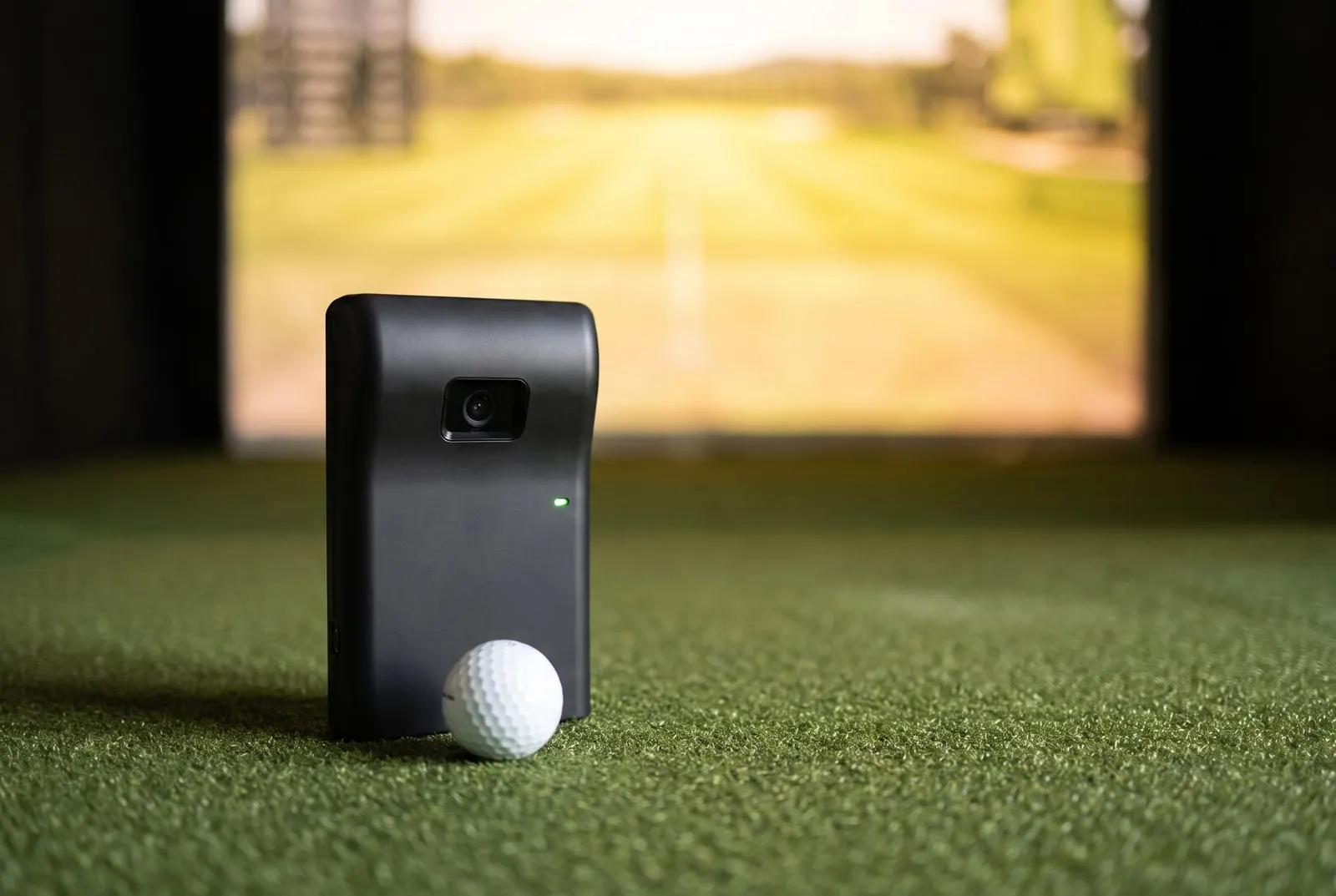
How we make money. If you buy through a retailer link here, we may earn a commission. It costs you nothing and doesn’t change our picks. Our affiliate disclosure.
Key takeaways
- Buy it if you want GSPro for under $700 and can't spare 7 ft behind the ball. Skip it for bright outdoor sun or full club data.
- The home edition costs $600 to $700, the same money as a Garmin R10 or a Rapsodo MLM2PRO.
- It sits beside the ball, so it needs about 4 ft of swing room plus 8 ft of ball flight: 12 ft deep with a net, 13 with a screen.
- Core ball data and the Square app are included. Some simulator connections and features cost extra, and GSPro needs its own yearly license and a Windows PC.
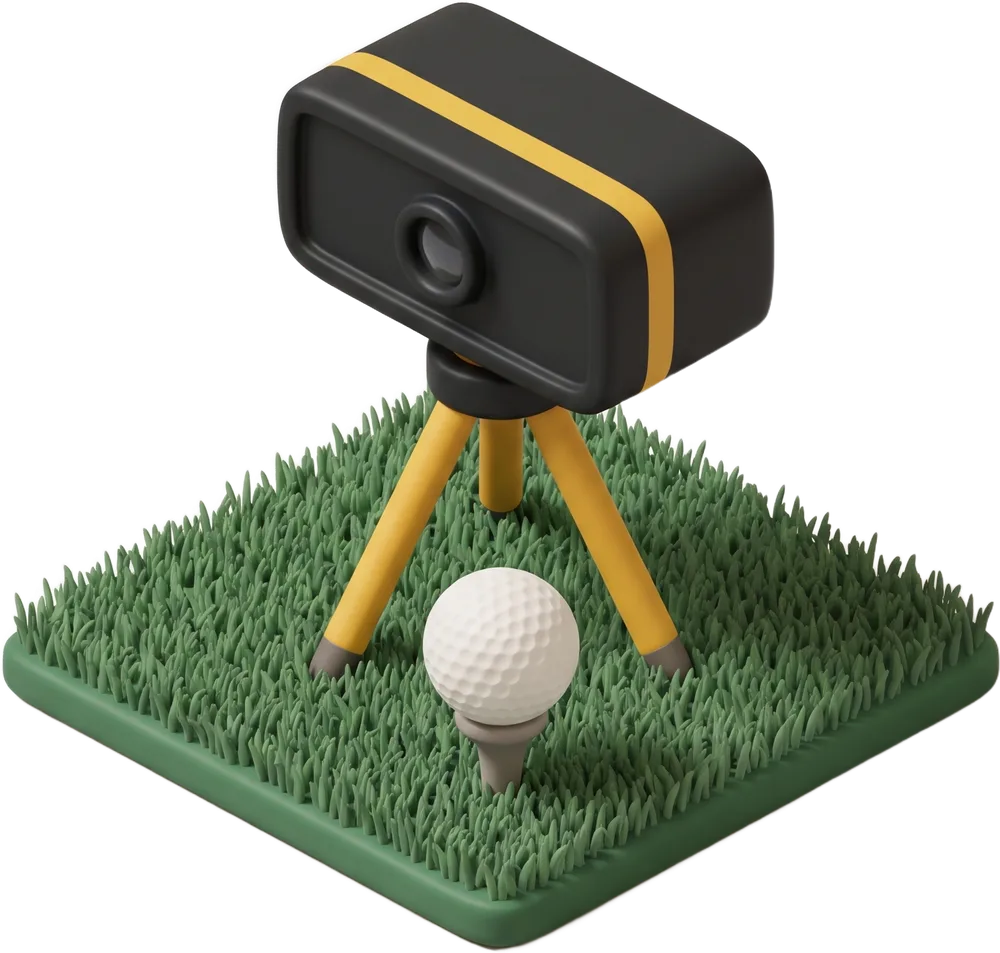
Square Golf Launch Monitor
Our verdict
Buy it if your room has no 7 ft to spare behind the ball and you want GSPro for under $700. Skip it if you mostly hit outdoors in bright sun, or you need full club data today.
$600–$700
US retail range
What we like
- Sits beside the ball, so a 12 ft deep room that can't fit a radar can fit this
- Core ball data and the Square app are included, with no membership needed to practice
- Connects to GSPro, E6 Connect and Awesome Golf for less than any other camera unit
- Its cameras read the chips and short wedges indoors that radar units miss
- Small and quick to set up beside the mat, with no tripod behind you to trip over
What we don’t
- Bright outdoor light confuses the cameras, so it's an indoor unit first and a range tool second
- Club data is partial on the home edition. The newer Omni adds club data at a higher price
- Some simulator software connections and features sit behind a paid plan
- The ball has to sit in a small zone in front of the unit, and owners report re-placing it more than with a radar
On this page
What the Square Golf unit is and who it’s for
The Square Golf Launch Monitor is a small camera unit. It sits on the floor beside the ball, level with it, and takes super-fast photos of the ball as it leaves the clubface. Nothing goes behind you.
It connects to the Square app on a phone or tablet, and to GSPro on a PC. The home edition costs $600 to $700, the same money as a Garmin R10 or a Rapsodo MLM2PRO. Those are the units to weigh it against.
If your tape measure has already said no to a radar, this is your unit. The R10 and MLM2PRO both need about 7 ft behind the ball, so 15 ft of depth is the minimum for them.
Plenty of rooms don’t have that. Think of a spare bedroom or a single-car garage with a bench at the back. Or a basement with a support post in the wrong spot. A camera beside the ball doesn’t care. And the Square Golf is the cheapest camera unit that runs real simulator software.
Who’s it for? Golfers with a room under 15 ft deep (12 ft works with a net, 13 with a screen). You’ll want a Windows PC, or be willing to buy one, and a plan to play GSPro.
Skip it if you mostly hit outdoors in daylight. Skip it too if you want full club data at this price. The newer Omni edition adds club data, but it costs more.
Tracking
High-speed cameras
Sits
Beside the ball
Room depth
12–13 ft
Ball flight needed
8 ft
Club data
Partial or estimated
Price
$600–$700
Room depth is where the maker says the unit sits, plus 8 ft of ball flight. The lower figure is with a net. The higher one adds the 1 ft gap behind an impact screen. Check your own room.
What it measures, and how
A radar watches the ball fly, like a speed gun. A camera unit is more like a photo finish. It takes super-fast pictures right at impact, then works out where the ball would have gone. The far pricier Bushnell Launch Pro works the same way.
From those pictures, the Square Golf reports ball speed (how fast the ball leaves the club), launch angle and launch direction. It also reads spin rate (how fast the ball spins) and spin axis (the tilt that makes it curve). From all that, it works out carry, total distance and how far offline you went.
That’s a full set of ball data, which is unusual at this price. The R10 estimates spin, and the MLM2PRO only measures it on a marked ball.
Club data is partial on the home edition. You get club speed, and the app shows some club figures. But you don’t get the measured club path, face angle and attack angle that a club fitter would use. (Attack angle is whether the club is moving down or up into the ball.)
Square’s answer is the Omni edition, which adds club data at a higher price. If club data is why you’re shopping, read our SkyTrak+ review too. That unit measures the club with a radar, and its price has been falling.
The biggest real-world difference at this budget is the short game. A radar needs the ball to fly before it has anything to measure. So chips and half wedges indoors are a weak spot for the R10 and the MLM2PRO.
A camera sees the ball leave the face, so it reads those same shots. If you practice wedges indoors all winter, that’s a strong reason to pick this over a radar at the same price.
The room it needs
You need 12 ft of depth with a net, or 13 ft with a screen. The Square Golf sits to the side of the ball, a short way from the mat. Square’s guidance is zero feet behind you for the unit, and at least 8 ft of ball flight before the net or screen.
How deep a room the Square Golf Launch Monitor needs
13 ft wall to wall with an impact screen, 12 ft with a net.
4 ftswing room
8 ftball flight
1 ftgap
So put the ball about 4 ft from the back wall, which gives you room to swing. Give the ball 8 ft to fly, then hang the net on the front wall. With an impact screen, hang it a foot off that wall.
Ceiling height and width still depend on your swing, not the unit. Our guide to how much space you need covers the driver-swing checks.
Put your measurements into the room checker. It’ll tell you if the room passes, and what to do if the ceiling turns out to be the problem.
Owner threads flag two placement habits. First, the ball has to sit in a small zone in front of the cameras. New owners say they spend their first few sessions learning exactly where that is before the reads settle down.
Second, a left-handed golfer has to move the unit to the other side of the mat. It only takes a moment, but it matters in a bay you share.
Software, and what the paid plan covers
Core ball data and the Square app come with the unit. The app gives you a practice range, shot history and the unit’s settings, and it works without a membership. That’s a real difference from the MLM2PRO, which is just a range tool until you pay.
Some simulator connections and some app features sit behind a paid plan. Square has changed what’s in and out of that plan more than once. So check the current terms on the day you buy, not a forum post from last year.
Simulator software is the “video game” part. The Square Golf connects to GSPro, E6 Connect and Awesome Golf, plus Square’s own app.
GSPro is the main draw. It runs on a Windows PC, needs its own yearly license, and brings a big course library and online play. Our GSPro setup guide covers how to connect it.
E6 Connect and Awesome Golf run on an iPad, which is the no-PC route. The software hub compares them all.
Here’s how it stacks up against the two radars at about the same price.
| Spec | Garmin R10 | Rapsodo MLM2PRO | Square Golf |
|---|---|---|---|
| How it reads the ball | Radar | Radar plus cameras | Cameras |
| Space behind the ball | About 7 ft | About 7 ft | Swing room only, about 4 ft |
| Ball flight needed | 8 ft | 8 ft | 8 ft |
| Spin | Estimated | Measured with a marked ball | Measured |
| Membership for the maker’s app | None for data | Premium for spin, video, sim | None for core data |
| Price | $500 to $600 | $600 to $700 | $600 to $700 |
What owners and reviewers say about accuracy
Owners and independent reviews put ball speed and launch in line with units that cost far more. They call spin believable, which is a change from the radars at this price.
Carries are called reliable for irons and generally good for driver. Short-game reads are a clear step up from the R10 and MLM2PRO.
The main complaint is light. Bright sun confuses the cameras, so outdoor range sessions in daylight are hit and miss. Reviews describe it as an indoor unit.
The second complaint is ball placement, covered above. The third is the plan. Some owners expected every third-party connection to be included and got a surprise. Their advice is to read the current plan before you pay.
Next to the Launch Pro, reviewers put the Square Golf a step below on spin precision and on shot-to-shot consistency. It costs about a quarter of the price of the ball-only Launch Pro, so that gap is expected. It matters less for casual rounds than for practice.
Setting it up as a simulator
The cheapest build is the unit beside a mat, a net, and the Square app on a tablet. That gets you a practice range with measured spin for the price of the unit, the net and the mat.
The GSPro build adds a Windows PC, a projector and an impact screen (the tough fabric screen you hit into). The unit connects to the PC.
The cameras read impact, not flight. So the screen can sit at the 8 ft minimum without hurting the reads. A longer flight is still kinder to the screen, because the ball has slowed down more.
Our impact screen picks cover the screen. The DIY simulator guide covers the frame and the order to fit the projector, and the cost builder adds up the bay.
Lighting matters more for this unit than for a radar. Owners say steady indoor light works fine, but a window throwing direct sun across the mat doesn’t. A blind on the window is cheaper than sending the unit back.
Who should buy something else
If your room is 15 ft or deeper with a net (16 with a screen) and you also hit outdoors, the Garmin R10 is the better buy. It’s the same money, it’s happier in daylight, and it has five years of owner know-how behind it.
Got that depth and still deciding between radars? Our Garmin R10 vs MLM2PRO comparison covers the two.
If you want measured club path and face angle, buy the SkyTrak+. It also sits beside the ball, and it measures the club. Closeout prices under $2,000 showed up in 2026.
If you want the most accurate numbers you can get in a short room, and your budget stretches, look at the Bushnell Launch Pro. It’s the camera unit others get judged against.
Our best launch monitors list ranks all of them. The best launch monitors under $1,000 stay in this budget. The best budget golf simulators and best home simulators show the Square Golf in a full bay.
Measure from the back wall to where the net or screen will hang. If it’s under 15 ft, you’ve already ruled out the radars, and the Square Golf is the unit to buy.
Order it and put a blind on any sunny window. Then spend your first two sessions learning where the ball zone is before you judge the numbers.
Got 15 ft or more and no window problem? Read the R10 review before you decide. The choice is closer than the forums make it sound.
Questions people ask
How much space does the Square Golf launch monitor need?
It sits beside the ball, so it only needs swing room behind you, about 4 ft. Square asks for at least 8 ft of ball flight before the net or screen. That makes it one of the few units that fits a 12 ft room with a net, or 13 ft with a screen, as long as the ceiling clears your swing. Our room checker confirms the fit from your measurements.
Does Square Golf work with GSPro?
Yes, it connects to GSPro directly. GSPro runs on a Windows PC and needs its own license, which is a separate yearly cost. Some connections and features sit behind Square's paid plan, so check what the current plan covers before you buy.
Square Golf or Garmin R10?
Same money, different rooms. The R10 is a radar that needs about 7 ft behind the ball. The Square Golf is a camera unit that only needs swing room behind you. With 15 ft of depth and a net, or 16 with a screen, either works, and the R10 is better outdoors. With less, the Square Golf is the one that fits: 12 ft with a net, 13 with a screen.
Keep reading
- The best launch monitors under $1,000Five launch monitors under $1,000 ranked for home use, with the room each needs, the three-year cost with fees, and what you give up at this price.Best-of listRead it
- Garmin Approach R10 reviewWhat the Garmin R10 measures, where it falls short, how much room it needs, and who should buy it over the MLM2PRO or Square Golf.ReviewRead it
- GSPro: what it is, what it costs and what runs itWhat GSPro is, what the yearly subscription roughly costs, the Windows PC it needs, which launch monitors connect to it, and how to set it up with a projector.GuideRead it
- How much space do you need for a golf simulator?The ceiling, depth and width a home golf simulator needs, in feet and inches, with minimum and comfortable sizes and which launch monitors fit which rooms.GuideRead it
- The best golf launch monitors for a home simulatorNine launch monitors ranked for a home simulator, from a $200 range radar to a $7,000 camera, with the room each needs and what it costs over three years.Best-of listRead it
- Bushnell Launch Pro reviewWhat the Bushnell Launch Pro measures, how the Silver and Gold plans change what you see, the room it fits, and who should pay for it.ReviewRead it