The home golf simulator guide
A home golf simulator is five parts and one room. Here's how they fit together, what each tier costs, and the order to decide things in. That way you won't buy a launch monitor your ceiling can't use.
Updated October 17, 2026.
Key takeaways
- Check the ceiling first. You need 9 ft to swing a driver, and 10 ft is comfortable. Under 8 ft 6 in, it’s irons only.
- Depth picks your launch monitor. Camera units fit in 12 ft with a net or 13 with a screen. Radars like the Garmin R10 need 15 and 16 ft.
- All in, a garage starter costs $700 to $1,500. A serious home bay is $3,000 to $7,000, and a full bay $8,000 to $15,000.
- Decide in this order: room, launch monitor, net or screen, software. Then add it all up in the cost builder.
How a golf simulator works
You hit a real ball off a mat. A launch monitor reads it in the first few feet. That's the gadget that measures your shot (how fast, how high, how much spin) and tells the software where the ball would have gone.
There are two kinds. A radar unit sits behind you and tracks the ball as it flies, like the speed gun at a baseball game. A camera unit sits beside the ball and takes super-fast photos right at impact.
Both measure ball speed (how fast the ball leaves the club), launch angle (how steeply it takes off) and direction. The better ones also read spin and what the club did.
Then the software takes over. It works out the rest of the flight and draws your shot on a course. Think of it as the video game part.
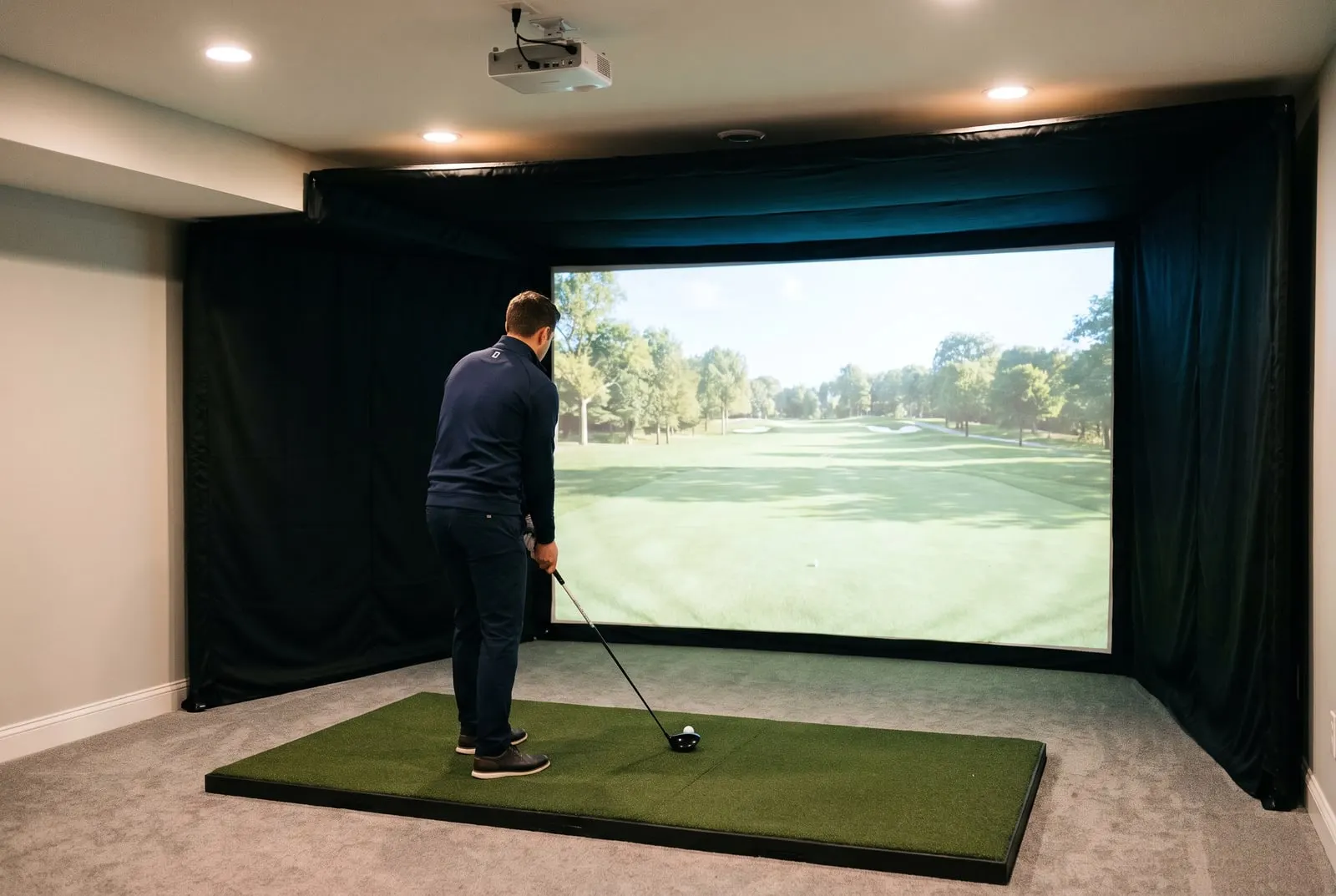
Meanwhile, the real ball flies about 8 ft into a net or an impact screen (a tough fabric screen you hit into). With a projector, the course shows up on the same screen your ball just hit. Without one, it's on a TV or your phone.
That's the whole machine. Every buying decision is one of those five parts. Every room problem comes down to where the launch monitor sits and how far the ball needs to fly.
What you need
| Part | What it does | Costs |
|---|---|---|
| Launch monitor | Measures your shot. It decides how accurate the numbers are, how big a room you need and which software you can run. | $200–$25,000 |
| Software | Turns the numbers into a course. The maker’s own app, GSPro, E6 Connect, Awesome Golf or FSX Play. | $0–$700 a year |
| Screen or net | Stops the ball. A net is fine for practice. You need an impact screen if a projector will show the course on it. | $150–$8,000 |
| Display | A phone, tablet or TV. Or a short-throw projector, which makes a big picture on the screen from only a few feet away. | $0–$3,500 |
| Hitting mat | What you swing from. The cheap ones hurt. | $100–$900 |
| Computer | You need a Windows PC for GSPro, E6 and FSX. The phone apps don’t need one. | $0–$2,000 |
Add tees that work on a mat and a box of balls you don't mind marking up. Running a camera unit in a dark basement? Add a lamp too. The cost builder has every one of these as a row and adds them up for you.
The room, before anything else
Measure before you shop. The ceiling decides whether you can swing a driver at all, and the depth decides which launch monitor you can buy.
Start with the ceiling. 9 ft is the practical minimum for a driver and 10 ft is comfortable. Taller golfers want more.
The ceiling you need to swing a driver
Too low for a driver
Under 8 ft 6 in, it’s irons only
Tight but workable
The practical minimum
Comfortable
Taller golfers want this end
Under 9 ft
Too low for a driver
Under 8 ft 6 in, it’s irons only
9 ft to 10 ft
Tight but workable
The practical minimum
10 ft and up
Comfortable
Taller golfers want this end
Next, measure the depth, wall to wall. A radar sits behind you, so it needs 15 to 17 ft, depending on the model and whether you hang a net or a screen. A camera unit sits beside the ball and fits in 12 ft with a net, 13 with a screen.
Say your spare room is 13 ft deep. A radar won't fit. A camera unit will.
Width matters least. Plan on 10 ft for one golfer and a net. An enclosure needs 15 ft. That's the frame and side panels around the screen that catch stray shots.
The room planning guides go deeper, and the garage guide deals with the door track that eats into your ceiling. Or just type your numbers into the checker below.
Check your room
Type in your ceiling and depth. The launch monitors that fit show up as you go.
Which launch monitor
Four units cover the usual first bays. Which one is yours depends on your room and your budget.
Tight room? The Square Golf sits beside the ball, runs GSPro and costs about what a driver does. Deep room and the smallest budget? The Garmin R10 is the cheapest way in.
For a first proper bay, the SkyTrak+ gives you ball and club data and works with the longest list of software. Want numbers you can coach from? The Bushnell Launch Pro has Foresight's camera accuracy, but it comes with a subscription (a yearly fee for the extra features).
Our full ranking covers all eleven.
What it costs, by tier
Home setups fall into four price bands, all in. The bars show how fast the numbers climb.
What each tier costs, all in
Garage starter
$700 to $1,500
Serious home bay
$3,000 to $7,000
Full bay
$8,000 to $15,000
Commercial grade
$14,000 to $25,000 for a TrackMan alone
A garage starter is a launch monitor, a net, a mat and your phone. A serious home bay adds a screen enclosure, a short-throw projector, a PC and a mid-range launch monitor. Its $3,000 end assumes a closeout SkyTrak+, a screen on a frame instead of an enclosure kit, and a laptop you already own.
A full bay brings a premium launch monitor and a built enclosure. Commercial grade starts at $14,000 for a TrackMan iO on its own. A built TrackMan or Full Swing bay runs $20,000 and up.
The cost guide breaks each tier into parts. The best simulators for home list turns each tier into a bay you could order tomorrow.
The order to decide things
Do it in this order and each step makes the next one easier.
- Measure the room. Then run the room checker. It rules out the launch monitors that won’t fit before you read a single review.
- Pick the launch monitor. Choose from what's left, by the data it gives you and what it costs over three years. Our launch monitor best-of lists show both.
- Choose a net or a screen. A net costs less and fits a shallower room. A screen is what makes it a simulator. The screens and gear guides explain the gap each one needs behind it.
- Pick the software. It depends on your launch monitor and your computer. GSPro needs a Windows PC, while the maker apps and E6 run on a tablet.
- Add it all up. Total it in the cost builder. Then buy the mat you won't regret first, and the launch monitor second.
Every section of this guide
- Golf launch monitors: The gadget that turns your swing into numbers. Reviews, best-of lists and head-to-heads from $200 to $25,000.
- Home golf simulator packages: Complete bays, from budget bundles up to Full Swing, SkyTrak and Foresight packages.
- Golf simulator room planning: Ceiling height, room depth, garages and DIY builds. Start here if you’ve got a tape measure in your hand.
- Enclosures, screens, mats and projectors: Everything around the launch monitor: impact screens, enclosures, hitting mats, projectors and nets.
- Golf simulator software: GSPro, E6 Connect, the free apps, and which ones run on your launch monitor.
- What a golf simulator really costs: Real price ranges for every budget, plus a builder that adds up your own setup.
Questions people ask
What do you need for a golf simulator at home?
You need a launch monitor to measure the shot and software to draw it. Then something to show it on, like a phone, a TV, or a projector and impact screen. Add a hitting mat and a net or screen to catch the ball. The room should be 9 to 10 ft tall and 12 to 17 ft deep, depending on your launch monitor and your net or screen.
How does a golf simulator work?
The launch monitor measures the ball, and often the club, right at impact: speed, launch angle, direction and spin. The software uses those numbers to work out the rest of the flight and draws it on a course. Meanwhile, the real ball hits the screen or net a few feet away.
How much does a home golf simulator cost?
About $700 to $1,500 for a launch monitor, net and mat you run from your phone. A screen-and-projector bay runs $3,000 to $7,000 all in. A premium one is $8,000 to $15,000 all in. A TrackMan iO alone starts at $14,000, and a built commercial-grade bay runs $20,000 and up.
Is an indoor golf simulator worth it?
Yes, if you’d practice two or three times a week in winter and you have the room. If you mostly want to play rounds with friends, budget for a screen and projector from the start. The phone-and-net version won’t scratch that itch.