SkyTrak+ review
What the SkyTrak+ measures, what its yearly plan costs, the room it needs, and who should buy it now that the ST MAX has pushed it onto closeout.
How we make money. If you buy through a retailer link here, we may earn a commission. It costs you nothing and doesn’t change our picks. Our affiliate disclosure.
Key takeaways
- Buy it for ball and club data at a closeout price under $2,000, especially if you use a Mac or iPad. Skip it if you want simulator play with no yearly plan.
- It's listed at $2,995. Closeout deals under $2,000 showed up when the ST MAX arrived, so expect to pay $1,800 to $3,000.
- The practice range is free. Simulator play and outside programs like GSPro and E6 Connect need the Game Improvement plan, around $250 a year.
- It sits beside the ball, so it needs 4 ft of swing room behind you plus 8 ft of ball flight. That's 12 ft deep with a net, 13 with a screen.
SkyTrak+
Our verdict
Buy it if you want ball and club data in one box, use a Mac or iPad, and can find it under $2,000 on closeout. Skip it if you want simulator play with no yearly plan.
$1,800–$3,000
US retail range
What we like
- A camera reads the ball and a radar reads the club, so you get club speed, path and face angle as well as spin
- Sits beside the ball and only needs swing room behind you
- Closeout deals under $2,000 showed up in 2026, which makes it the cheapest unit we cover with full club data
- Runs on iPad and Mac as well as Windows, with GSPro, E6 Connect, TGC 2019 and Fitness Golf
- The practice range in SkyTrak's own app is free
What we don’t
- Simulator play and outside programs need the Game Improvement plan, around $250 a year
- Owners report a short pause between the shot and the ball flight on screen, longer than on the Launch Pro
- The ball has to sit in a small zone in front of the unit, and one bump knocks the unit out of line
- The newer ST MAX now sits above it, so expect SkyTrak's software work to drift toward the new model
On this page
What the SkyTrak+ is and who it’s for
The SkyTrak+ is two launch monitors in one box. (A launch monitor is the gadget that measures your shot and tells the software where the ball would have gone.)
A camera reads the ball. A radar reads the club.
It sits on the floor beside the ball. It talks to the SkyTrak app on an iPad, a Mac or a Windows PC. It’s the second SkyTrak, and it replaced the first camera-only model.
Start with the price. It’s listed at $2,995, but closeout deals under $2,000 have shown up since the newer ST MAX arrived. So expect $1,800 to $3,000.
At $3,000 it’s a fair unit with strong software. Under $2,000, it’s the cheapest way to get measured ball and club data into a home bay.
We’d buy the SkyTrak+ on closeout over the ST MAX at full price. More on why below.
Who’s it for? Golfers who want club data to practice with, who use a Mac or iPad, and whose room has no space behind the ball.
Skip it if you want ball and club data with no yearly plan. Skip it too if you need the near-instant shot response of a GC3-class unit.
Tracking
High-speed cameras
Sits
Beside the ball
Room depth
12–13 ft
Ball flight needed
8 ft
Club data
Measured
Price
$1,800–$3,000
Room depth is where the maker says the unit sits, plus 8 ft of ball flight. The lower figure is with a net. The higher one adds the 1 ft gap behind an impact screen. Check your own room.
What it measures, and which part measures it
The camera handles the ball. It’s a camera unit (also called photometric), so it takes super-fast photos of the ball right at impact.
From those photos it reads ball speed, launch angle, launch direction, spin rate and spin axis. Then it works out carry, total distance, peak height and how far offline you went.
Quick translation. Ball speed is how fast the ball leaves the club. Spin rate is how fast it spins, and spin axis is the tilt that makes it curve.
The camera sees impact instead of chasing the flight. So it reads chips and half wedges indoors that a radar behind you would miss.
The radar handles the club. It reports club speed and club path, which is the direction the club is moving at impact. It also reports face angle (where the face points) and attack angle (whether you hit down or up on the ball).
A $600 unit either guesses those or skips them. This radar is where your extra money goes.
Why care? Say your shots slice. Club data tells you if the cause is your path or your face.
This is the cheapest unit we cover that measures that instead of guessing.
Owners trust the two halves differently. The ball numbers get the most trust. The club numbers are good for spotting trends over a session.
But they jump around more from shot to shot than a GC3-class camera, which photographs the clubface. For practice, that’s fine. For a club fitting, the Bushnell Launch Pro is a step up.
The room it needs
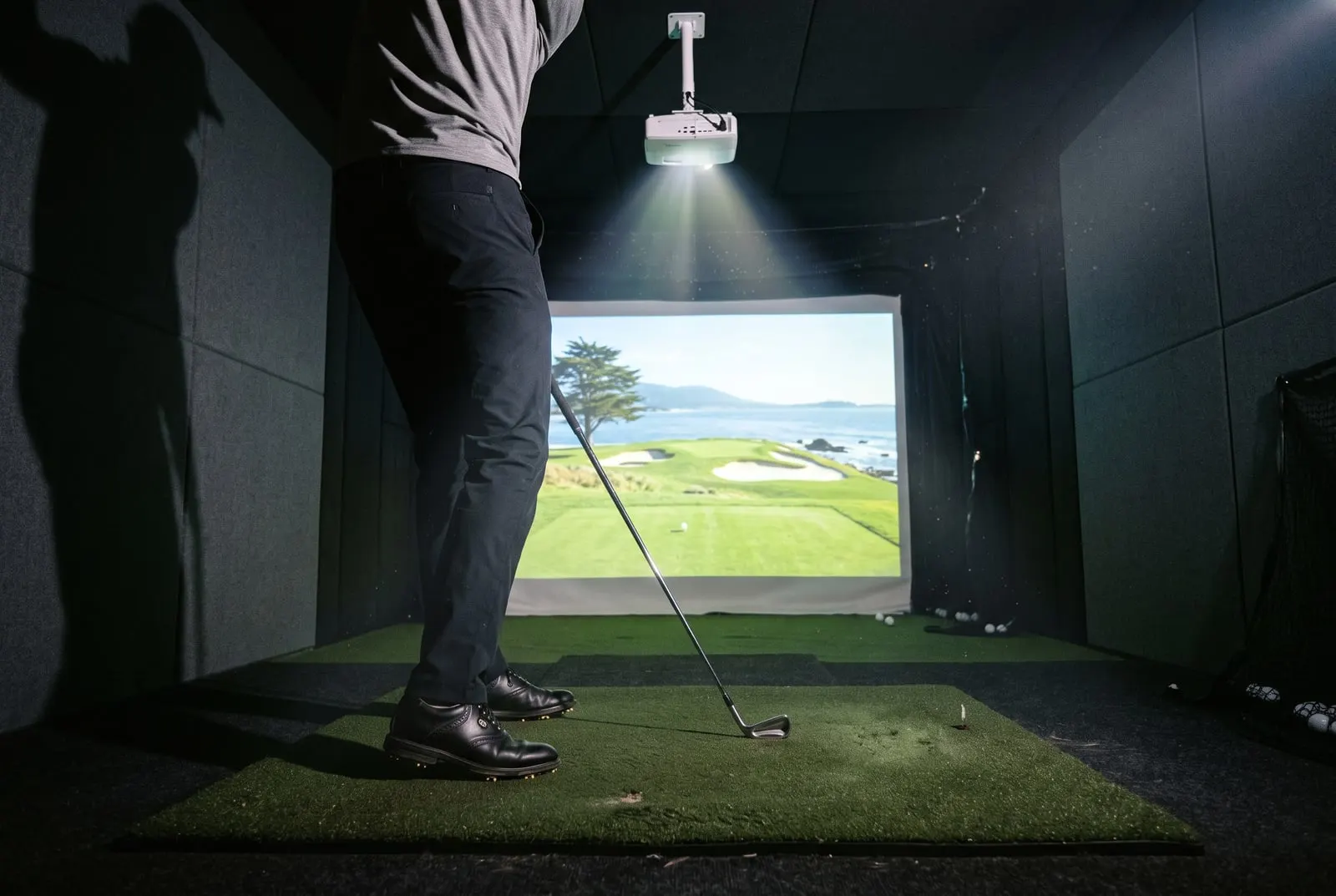
The SkyTrak+ sits a short way to the side of the ball, level with it, aimed across the hitting zone. Behind you, it only needs swing room. In front, SkyTrak asks for at least 8 ft of ball flight before the net or screen.
How deep a room the SkyTrak+ needs
13 ft wall to wall with an impact screen, 12 ft with a net.
4 ftswing room
8 ftball flight
1 ftgap
With a net instead of a screen, you skip the 1 ft gap and 12 ft works. That makes it a spare-room unit as much as a garage unit.
Say your room is 13 ft deep. A radar won’t fit. This will, as long as the ceiling clears your swing.
Our space guide covers ceiling and width. The room checker takes your measurements and confirms the fit.
Placement is fussier than with a radar. The ball has to sit in a small zone in front of the camera, and the unit has to be square to your target line. Knock it with your foot or a club, and you’ll need to line it up again.
Share the bay with a lefty? The unit moves to the other side of the mat.
None of it is hard. It’s just a habit to build in week one.
Software and what the plan turns on
The practice range is free. You get ball and club numbers, shot history and a basic range view on any supported device.
The Game Improvement plan costs around $250 a year. It turns on the simulator inside the app and the links to outside programs. If you’re buying this as a simulator, you’re paying the plan, so count it in your five-year cost.
| What you want to do | What you need | Extra cost |
|---|---|---|
| Practice range with ball and club data | SkyTrak app, free tier | None |
| Simulator play in the SkyTrak app | Game Improvement plan | Around $250 a year |
| GSPro on a projector and screen | Game Improvement plan, Windows PC, GSPro license | Plan plus GSPro fee plus the PC |
| E6 Connect or TGC 2019 | Game Improvement plan, software license | Plan plus software fee |
The list of outside programs is one of the longest at this price: GSPro, E6 Connect, TGC 2019 and Fitness Golf. These are the “video game” part of a simulator. GSPro needs a Windows PC, and our GSPro guide covers the setup.
E6 Connect runs on an iPad. That makes the SkyTrak+ one of the few club-data units that gives you a full simulator with no PC at all. The software hub compares the programs.
Mac and iPad support saves real money, too. Plenty of launch monitors expect a Windows PC somewhere in the chain.
If your house already has an iPad and a MacBook, you can run the SkyTrak app and E6 on gear you own. That takes several hundred dollars off the bay.
What owners report about accuracy
Owners and independent reviewers put ball speed, launch and spin close to premium units. That holds for full shots and short ones, which is what you’d expect from a camera.
Carries are trusted enough for a yardage chart, and club speed is reliable. Path and face angle point the right way and help over a session, with more noise shot to shot than the Launch Pro.
The top complaint is the pause. There’s a short delay between your shot and the ball flight on screen. Owners who’ve used a GC3 or Launch Pro notice it.
Owners who mostly play rounds say they get used to it. If you want the ball on screen the instant it leaves the face, that’s the reason to pay more.
The second complaint is alignment. If the unit gets knocked out of square, every shot reads a few yards offline until you fix it. The third comes from owners who expected the simulator to be free and then met the plan.
Setting it up as a simulator
The practice build is simple. Put the unit beside a mat, hit into a net, and run the SkyTrak app on an iPad. You get ball and club numbers on every shot, with no PC and no plan.
The simulator build adds an impact screen (the tough fabric screen you hit into) and a projector. Then you either pay the plan and run E6 on an iPad, or run GSPro on a Windows PC.
The camera reads impact, so the screen can sit at the 8 ft minimum without hurting the reads. A longer flight is kinder to the screen, though.
For the gear, see our impact screen guide and projector guide. The best home simulators page shows this unit inside complete bays. The cost builder adds up the unit, the plan and the rest.
Owners pass on two habits. Mark the unit’s spot on the mat or floor with tape, so it goes back to the same place after you move it.
And keep the lens clean. Dust on a camera unit shows up as missed shots, not wrong numbers.
The ST MAX, and why the older one is still the buy
SkyTrak released the ST MAX above the SkyTrak+ in 2026. For you, the bigger news is what it did to the older unit. It pushed the SkyTrak+ under $2,000 at some stores, while the software list and the plan stayed the same.
If you’re watching your budget, that makes the SkyTrak+ the better buy. You get the same camera for the ball, the club data and the long software list.
The money you save pays for the plan for years, or for a better screen. The ST MAX is for buyers who want the newest hardware and aren’t counting dollars.
Who should buy something else
If accuracy comes first and your budget stretches, buy the Bushnell Launch Pro. It sits beside the ball too, and it shows the shot faster.
Owners put its ball numbers at the top of the class. It uses Silver and Gold tiers instead of the Game Improvement plan.
If you just want to play rounds in a short room and don’t care about club data, buy the Square Golf. It costs $600 to $700, sits beside the ball, measures spin and runs GSPro.
Got a deep room and want to skip the plan for good? The Full Swing KIT is a radar with no required fee, and our Full Swing review covers it. The best launch monitors list ranks all of these side by side.
Check the price first. Say you find the SkyTrak+ under $2,000, and you have 8 ft of ball flight and a ceiling that clears your driver.
In 2026, that makes it the cheapest full club-data unit you can put in a home bay. With Mac and iPad support, you may already own the computer, too.
Add the Game Improvement plan to your five-year cost and run the bay through the cost builder. Then buy before the closeout stock runs out. If it’s back at $3,000, read the Launch Pro review first.
Questions people ask
Does the SkyTrak+ need a subscription?
Not for the practice range. That's free in the SkyTrak app. The Game Improvement plan, around $250 a year, turns on the simulator and outside programs, so if you use it as a simulator, you're paying for it.
What's the difference between the SkyTrak+ and the SkyTrak ST MAX?
The ST MAX is the newer model SkyTrak released above the SkyTrak+ in 2026. Its arrival is why the SkyTrak+ has shown up under $2,000 at some stores. For most buyers, that price drop is the thing to know.
How much space does the SkyTrak+ need?
It sits beside the ball, so you only need about 4 ft of swing room behind you. SkyTrak asks for at least 8 ft of ball flight to the net or screen. That's 12 ft of depth with a net, 13 with a screen. Ceiling and width depend on your swing, and our room checker confirms the fit.
Does the SkyTrak+ work with a Mac or iPad?
Yes, and it's one of its best points. The SkyTrak app runs on iPad, Mac and Windows, and E6 Connect runs on iPad. GSPro is Windows only, so a GSPro build still needs a Windows PC.
Keep reading
- The best golf launch monitors for a home simulatorNine launch monitors ranked for a home simulator, from a $200 range radar to a $7,000 camera, with the room each needs and what it costs over three years.Best-of listRead it
- Bushnell Launch Pro reviewWhat the Bushnell Launch Pro measures, how the Silver and Gold plans change what you see, the room it fits, and who should pay for it.ReviewRead it
- The best golf simulators for home in 2026The best home golf simulators sorted by budget tier, with a parts list and price bands for each, from a $700 garage starter to a TrackMan bay.Best-of listRead it
- Golf simulator softwareGSPro, E6 Connect, the free apps, and which ones run on your launch monitor.SectionRead it
- The best launch monitors under $1,000Five launch monitors under $1,000 ranked for home use, with the room each needs, the three-year cost with fees, and what you give up at this price.Best-of listRead it
- Garmin Approach R10 reviewWhat the Garmin R10 measures, where it falls short, how much room it needs, and who should buy it over the MLM2PRO or Square Golf.ReviewRead it